Quickstart
This guide will get you all set up and ready to use the Block-Auth Dashboard. We'll cover how to create an account and start managing your Block-Auth services.
Sign Up
Registering your workspace on the Block-Auth Dashboard is the first step toward managing your applications. Since you have already set up your identity via the browser extension, the registration process is seamless and passwordless.
1. Access the Dashboard
Once you have created your account via the Extension Quickstart, navigate to the official Block-Auth Dashboard to begin the registration of your professional workspace.
2. Initiation
On the landing page, locate and click the "Register" button to initiate the onboarding flow.
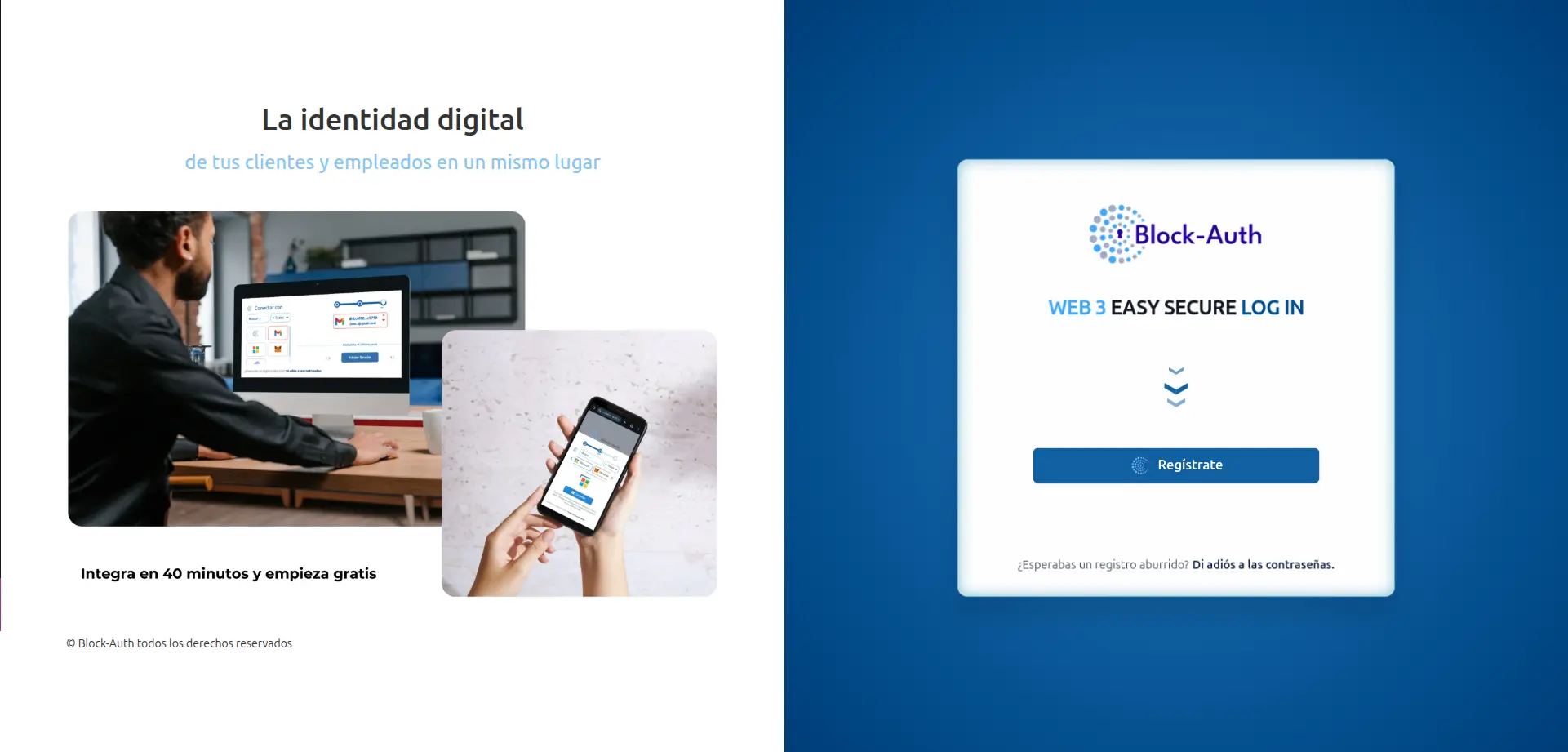
3. Registration Method
Select "Block-Auth" as your preferred registration method. This option allows you to use your digital identity for a secure and streamlined onboarding process. Click "Connect" to link your extension with the dashboard.
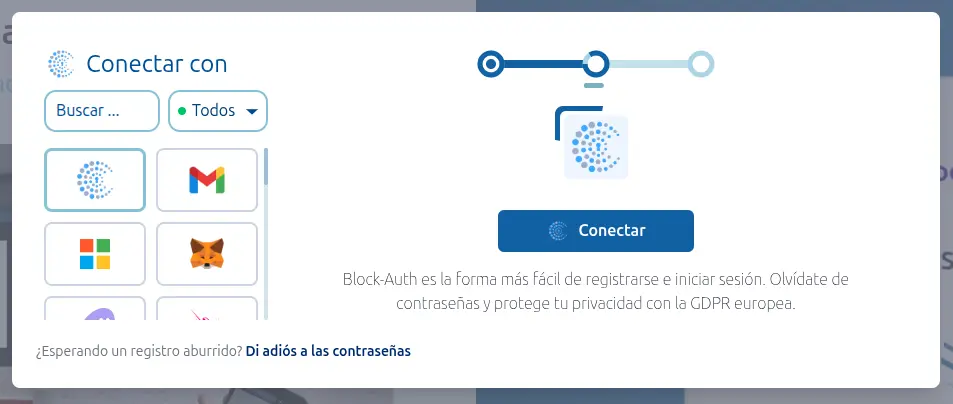
4. Sign In
Click on "Sign In" to trigger the authentication request. A popup from the Block-Auth extension will appear; review the request and accept it to verify your identity and establish a secure session.
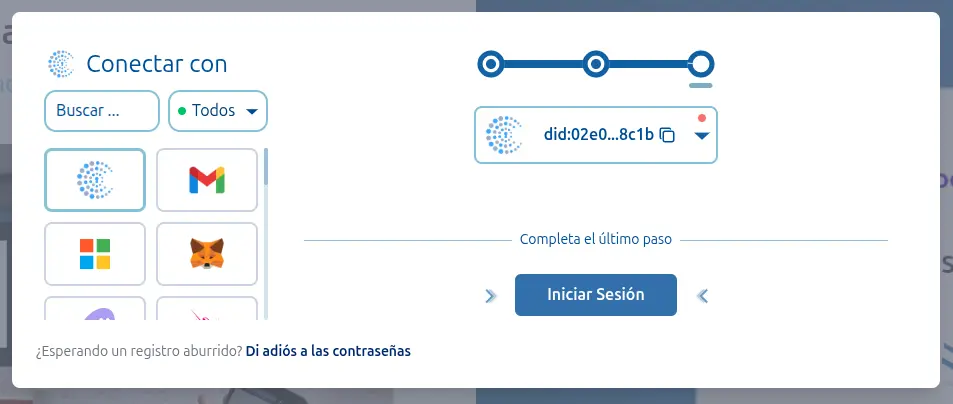
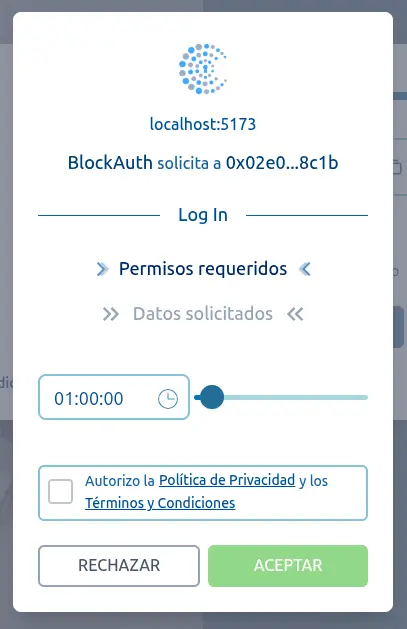
5. Finalization
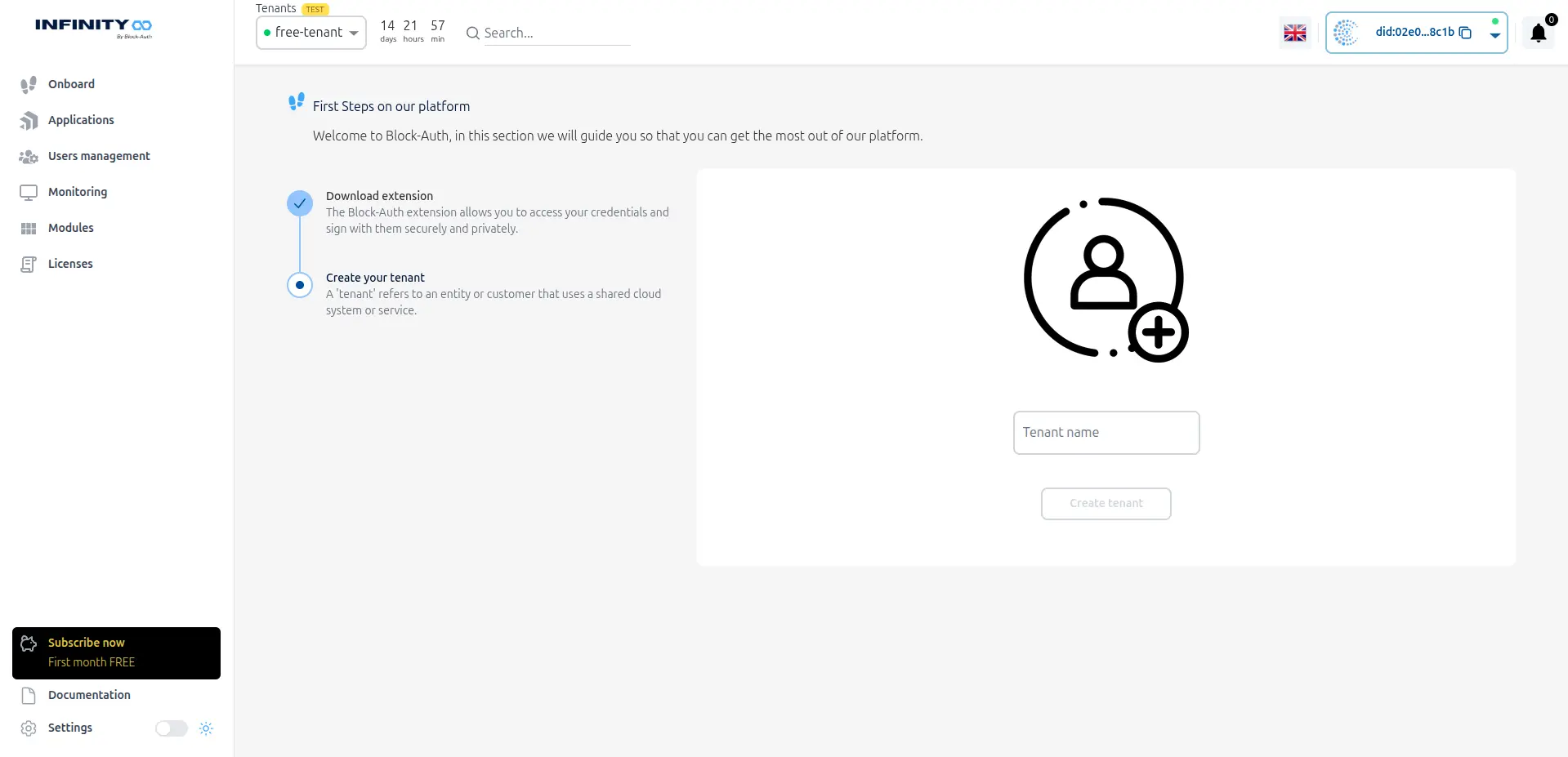
Congratulations! Your dashboard account is now successfully created. You are now ready to manage your applications and settings through the main interface.